
Introduction
Let’s be honest: best tablet for kids are destructive. Whether it’s sticky fingers, accidental drops, or a temper tantrum that sends a device flying across the room, electronics and children have a volatile relationship. As a tech strategist, I’ve seen countless parents make the mistake of handing down an old, unprotected smartphone, only to find it cracked or filled with inappropriate app downloads a week later.
The solution isn’t just any cheap tablet; it’s a device built specifically for the chaos of childhood. The best tablet for kids under $100 needs to hit a “holy trinity” of features:
- Indestructibility (or close to it).
- Iron-clad Parental Controls.
- Content that actually educates (not just brain-rot).
In this guide, we cut through the noise of generic “toy” tablets and focus on real hardware from reputable brands like Amazon, Lenovo, and Samsung that fits a strict budget.
Quick Comparison: Top Kids Tablets Under $100
| Feature | Amazon Fire 7 Kids | Lenovo Tab M8 (Gen 4) | Samsung Galaxy Tab A7 Lite |
| Best For | Toddlers & Preschoolers | School-Age Kids (Android Fans) | Streaming & Older Kids |
| Price (Approx) | $55 – $110 | $85 – $100 | $99 – $120 |
| Screen Size | 7-inch (1024 x 600) | 8-inch HD (1280 x 800) | 8.7-inch (1340 x 800) |
| Durability | Excellent (Kid-Proof Case) | Good (Needs separate case) | Good (Metal Frame) |
| Parental Controls | Amazon Kids+ (Best in Class) | Google Kids Space | Samsung Kids / Google Family |
| Warranty | 2-Year Worry-Free | 1-Year Standard | 1-Year Standard |
| Battery Life | Up to 10 hours | Up to 16 hours | Up to 10-12 hours |
The Best Overall Value: Amazon Fire 7 Kids (2022/2023 Release)
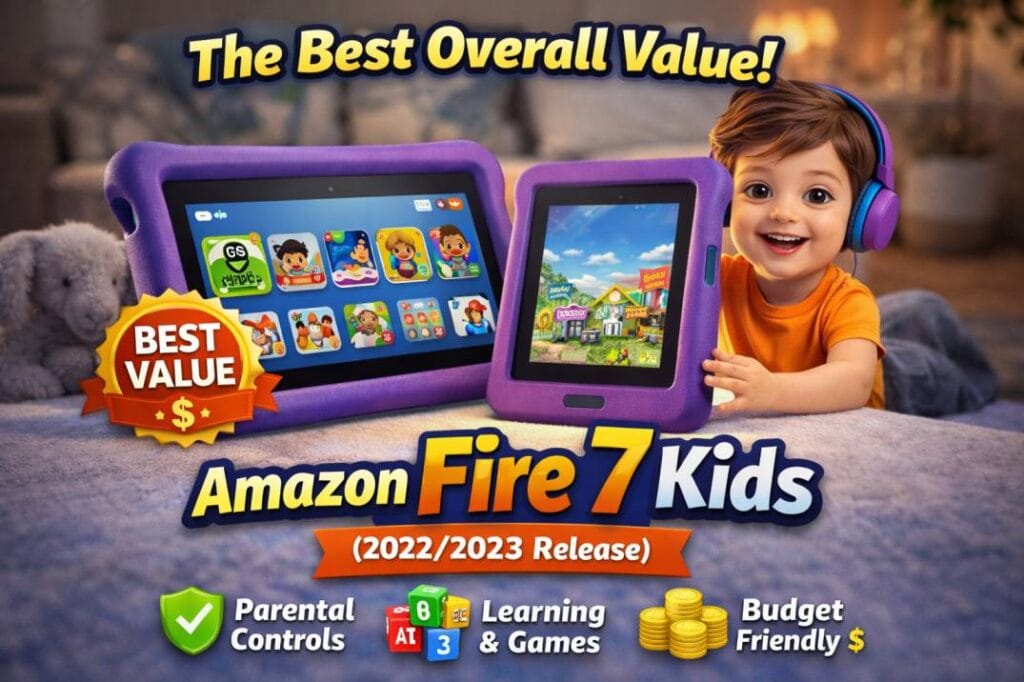
If your strict budget is $100, the Amazon Fire 7 Kids is undisputed king. It is not just a tablet; it is a service. Amazon understands that parents aren’t buying specs—they are buying peace of mind.
Why It’s a Winner
The Fire 7 Kids comes with a massive, squishy “Kid-Proof” case that can survive being thrown down stairs (we don’t recommend testing this, but it happens!). More importantly, it includes a 2-year worry-free guarantee: if your child breaks it, Amazon replaces it for free. No questions asked.
Performance & Features
- Display: 7-inch touchscreen. It’s not HD (1024 x 600), but for cartoons and simple games, it is perfectly adequate for young eyes.
- Storage: 16GB or 32GB. This fills up fast, so I highly recommend buying a microSD card (supported up to 1TB) to store downloaded movies for car rides.
- Software: It runs Fire OS. You don’t get the Google Play Store, but you get 1 year of Amazon Kids+ included. This gives access to thousands of ad-free books, games, and videos from Disney, Nickelodeon, and PBS Kids.
Pros vs. Cons
- Pros: Unbeatable warranty, rugged case included, excellent parental dashboard (set time limits, educational goals).
- Cons: Screen is not very sharp, charging can be slow (approx. 4 hours), locked into Amazon ecosystem.
Expert Tip: If the screen resolution bothers you, keep reading for the Fire HD 8, which often dips under $100 during sales.
The Best Android Option: Lenovo Tab M8 (Gen 4)
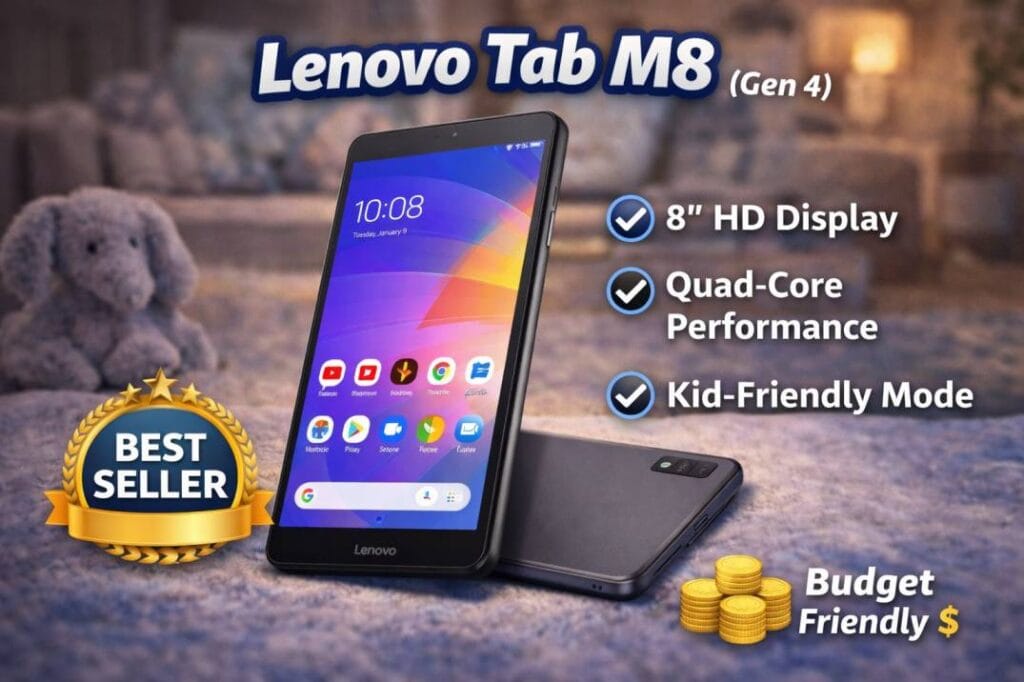
For parents who despise the restrictive Amazon ecosystem and want a “real” Android experience, the Lenovo Tab M8 (Gen 4) is the hidden gem of the budget world.
Why It’s a Winner
Unlike the Fire tablet, this runs standard Android. This means if you want to install the regular YouTube app, Google Drive, or specific educational apps from the Google Play Store, you can. It comes with Google Kids Space, a colorful interface designed to help kids discover, create, and grow.
Performance & Features
- Display: 8-inch HD (1280 x 800). This is a significant upgrade over the Fire 7. Text is sharper, and videos look much better.
- Build: It has a sleek, modern design. However, it does not usually come with a rugged bumper case in the box for the standard price, so you will need to buy one separately (usually $10-$15).
- Battery: The standout feature is the battery life, easily pushing 12-16 hours of video playback, which is perfect for long road trips.
Pros vs. Cons
- Pros: Full Android access (Google Play), better screen than Fire 7, thinner and lighter, “Google Kids Space” is excellent for curiosity-led learning.
- Cons: Not as rugged out-of-the-box, no “no-questions-asked” replacement warranty.
The Reliable Workhorse: Samsung Galaxy Tab A7 Lite
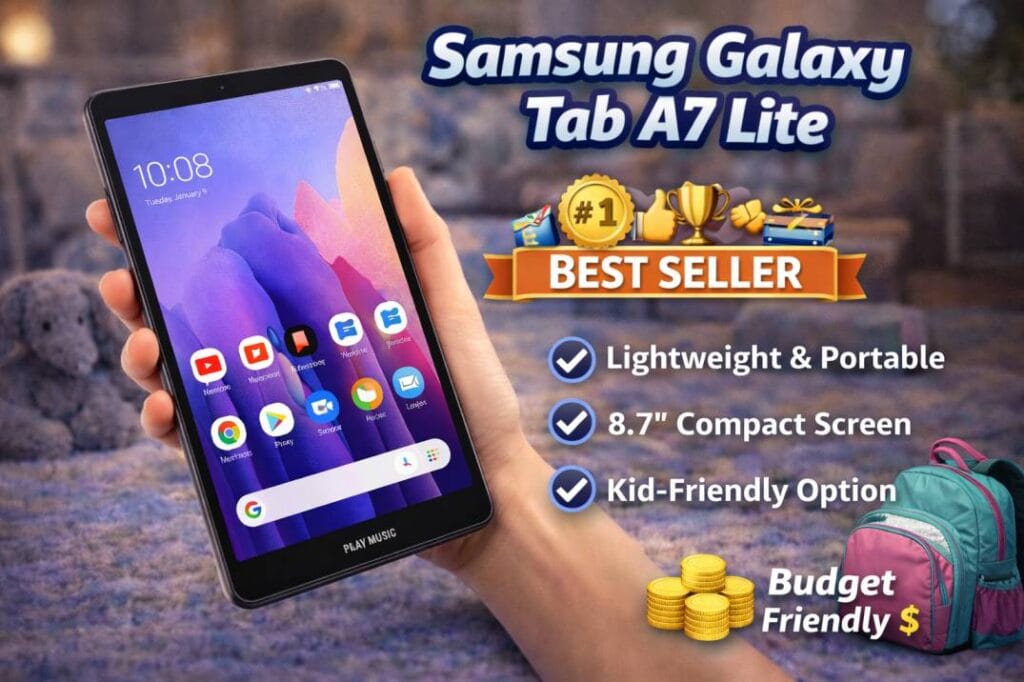
Samsung is a household name for a reason. The Galaxy Tab A7 Lite is often found on sale right around the $99 mark. This is an excellent choice for slightly older kids (7-12) who might feel a “Kids Edition” tablet looks too babyish.
Why It’s a Winner
It feels premium. With a metal frame and a slightly larger 8.7-inch screen, it mimics the experience of a premium tablet without the price tag. It also integrates beautifully if you already have Samsung phones in the house.
Performance & Features
- Display: 8.7-inch WXGA+ display. The extra screen real estate makes it great for reading comics or watching movies.
- Performance: It uses a MediaTek processor that handles streaming and light gaming (like Roblox or Minecraft on lower settings) better than the Fire 7.
- Samsung Kids: A dedicated mode you can toggle on/off. It prevents kids from accessing your files or settings while giving them a safe sandbox to play in.
Pros vs. Cons
- Pros: Premium metal build, larger screen, access to Galaxy Store & Google Play, decent speakers (Dolby Atmos support).
- Cons: 32GB base storage is low (expandable via MicroSD), charging is slow (15W supported but charger in box is usually slower).
Honorable Mention: Amazon Fire HD 8 Kids (The “Sale” Hunter Pick)
Technically, the Fire HD 8 Kids has an MSRP of around $140. However, I am including it here for a strategic reason: It is frequently on sale for $89.99 or $99.99.
If you can wait for a Prime Day, Black Friday, or a random mid-week sale, buy this instead of the Fire 7.
- Why? You get an HD screen, 30% faster performance, stereo speakers, and 13 hours of battery life.
- The Verdict: If you see it under $100, grab it immediately. It is the best performance-per-dollar ratio on this list.
Buying Guide: How to Choose a Safe Tablet
When shopping for a sub-$100 tablet, you have to manage expectations. You aren’t getting a gaming powerhouse. Here is what matters most:
1. The “Drop Factor” (Durability)
If you buy the Lenovo or Samsung options, budget an extra $15 for a heavy-duty silicone case. Screen repairs often cost more than these tablets are worth. The Amazon Fire Kids editions win here because the case is included.
2. RAM Matters
Most tablets in this price range have 2GB or 3GB of RAM.
- 2GB: Okay for watching video and reading. Game loading will be slow. Apps might crash if you switch between them too fast.
- 3GB+: Much smoother experience. (The Fire HD 8 and some versions of A7 Lite offer this).
3. Amazon Kids+ vs. Google Kids Space
- Amazon Kids+: A walled garden. Content is hand-picked. Very safe, but requires a subscription after the first year (approx. $5/month).
- Google Kids Space: Relies on the Google Play ecosystem. It filters “Teacher Approved” apps. It is more open but requires slightly more parental supervision to ensure they don’t drift into unwanted YouTube rabbit holes.
FAQs
Q: Can I install YouTube on the Amazon Fire Tablet? A: Out of the box, no. It comes with “YouTube Kids” web links within the Amazon Kids browser. However, savvy parents can “sideload” the Google Play Store onto Fire tablets, though this voids the warranty and breaks the “sandbox” safety of the Kids mode.
Q: Is 32GB storage enough for a kid’s tablet? A: For apps? Yes. For movies? No. A single HD movie can be 4GB. Always buy a microSD card (a 64GB card is usually under $10) to store offline content for road trips.
Q: Which tablet is best for Minecraft/Roblox? A: The Samsung Galaxy Tab A7 Lite or Amazon Fire HD 8 are your best bets under $100. The Fire 7 will struggle to run these games smoothly.
Q: Do these tablets have SIM card slots? A: Generally, no. At this price point, these are Wi-Fi-only devices. You can tether them to your phone’s hotspot if you need internet on the go.
Conclusion
You don’t need to break the bank to give your child a safe, educational digital experience.
- For the absolute best value and safety: Go with the Amazon Fire 7 Kids. The 2-year worry-free guarantee is insurance you can’t put a price on.
- For older kids who want “real” apps: Choose the Samsung Galaxy Tab A7 Lite or Lenovo Tab M8. They offer a mature Android experience that grows with your child.
What’s your biggest concern when buying tech for kids? Durability or Screen Time? Let us know in the comments below!