
The CPU Cooler You Choose Will Make or Break Your PC’s Performance
Quick Verdict: A quality CPU cooler is not an accessory; it’s a foundational component. Choosing the wrong one can throttle your expensive processor, create distracting noise, and shorten your system’s lifespan. This guide isn’t about selling you the most expensive model. It’s about matching the right cooling solution to your specific needs, budget, and CPU, based on a decade of thermal testing.
Pricing & Value Context: Where Your Money Actually Goes
In 2026, the CPU cooler market is split into three clear tiers. Budget air coolers ($20-$50) are vastly more competent than the stock coolers AMD and Intel include. The performance sweet spot ($70-$120) is dominated by dual-tower air designs and compact 240mm AIO liquid coolers. The high-end ($150+) is for extreme overclockers and enthusiasts chasing absolute silence or maximal overclocks, where the law of diminishing returns hits hard. Investing in a mid-range cooler is often the single most cost-effective upgrade for system stability.
First Impressions: What Actually Matters Out of the Box
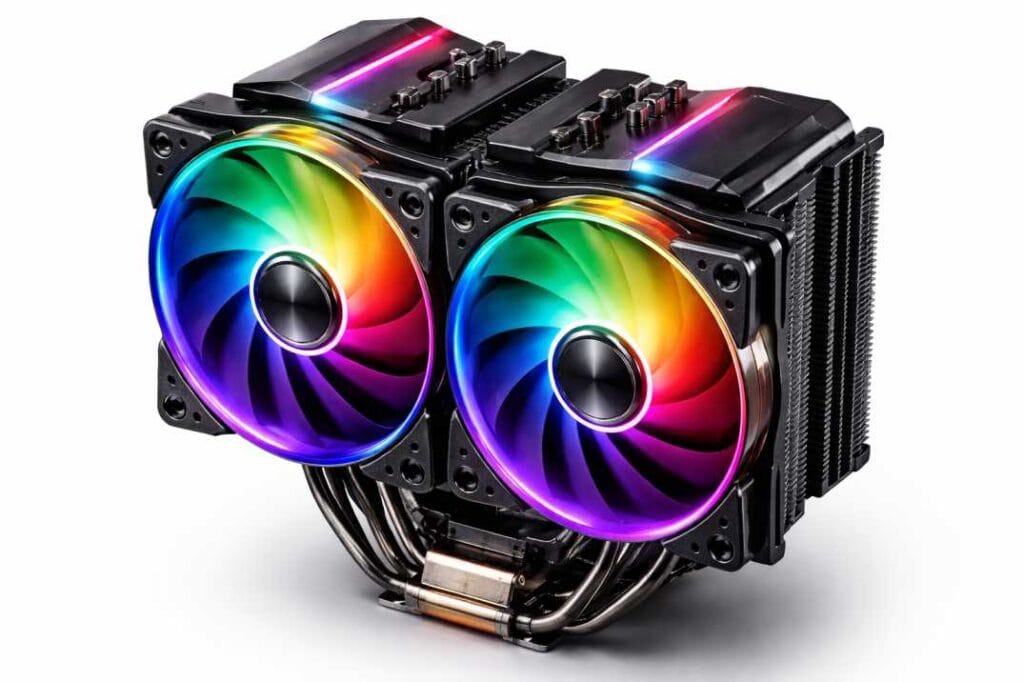
Forget RGB lighting for a moment. The first thing I unpack is the mounting hardware. A good CPU cooler will have a clear, logical mounting system. Is it a tangle of brackets and screws, or a straightforward, tool-free design? Noctua, for example, excels here with color-coded parts and superb manuals. Complexity isn’t inherently bad—high-performance mounts need precision—but a frustrating install is your first red flag about long-term usability, like future CPU upgrades or case swaps.
Design & Build: Substance Over Style
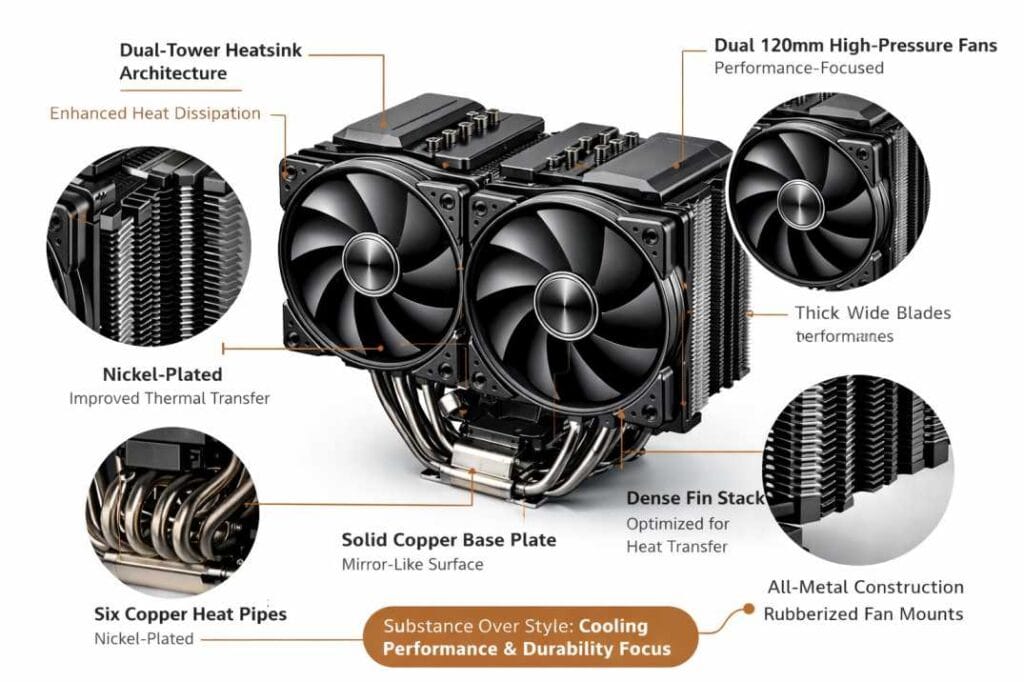
A cooler’s design dictates everything. For air coolers, I examine fin density and heat pipe construction. More pipes (6-8) and nickel plating generally indicate higher heat dissipation. For All-in-One (AIO) liquid coolers, the radiator’s thickness and the pump’s integrated design are critical. A flimsy radiator or a pump that feels cheap when you shake it are immediate concerns. The best builds use high-static pressure fans with fluid dynamic bearings—they last longer and push air through dense fins or radiators more effectively.
Features That Actually Matter in 2026
- Future-Proof Mounting: A CPU cooler should include brackets for current and next-gen sockets (AM5, LGA1851). Proprietary mounts that require buying new kits are a deal-breaker.
- Noise Normalization: Many coolers now advertise “zero-RPM” modes. This is useful, but the real test is the acoustic profile under a medium gaming load. Does it produce an annoying hum or a smooth whoosh?
- Software Avoidance (When Possible): I favor air coolers and AIOs that run off the motherboard’s fan header. Needing yet another background app (like iCUE or CAM) to control basic pump speed adds bloat and a potential point of failure.
Real-World Performance: Beyond Benchmark Charts
Synthetic stress tests like Prime95 are useful, but they don’t tell the whole story. My testing involves a 30-minute gaming session in a CPU-intensive title, followed by a video encode. This thermal cycling reveals how well the cooler handles rapid heat changes. A common finding? Many flashy AIOs perform only marginally better than a top-tier air cooler like the Deepcool AK620 in these realistic scenarios, while often being louder and less reliable long-term.
The Critical Link: How to Check CPU Temp (And Why It’s Essential)
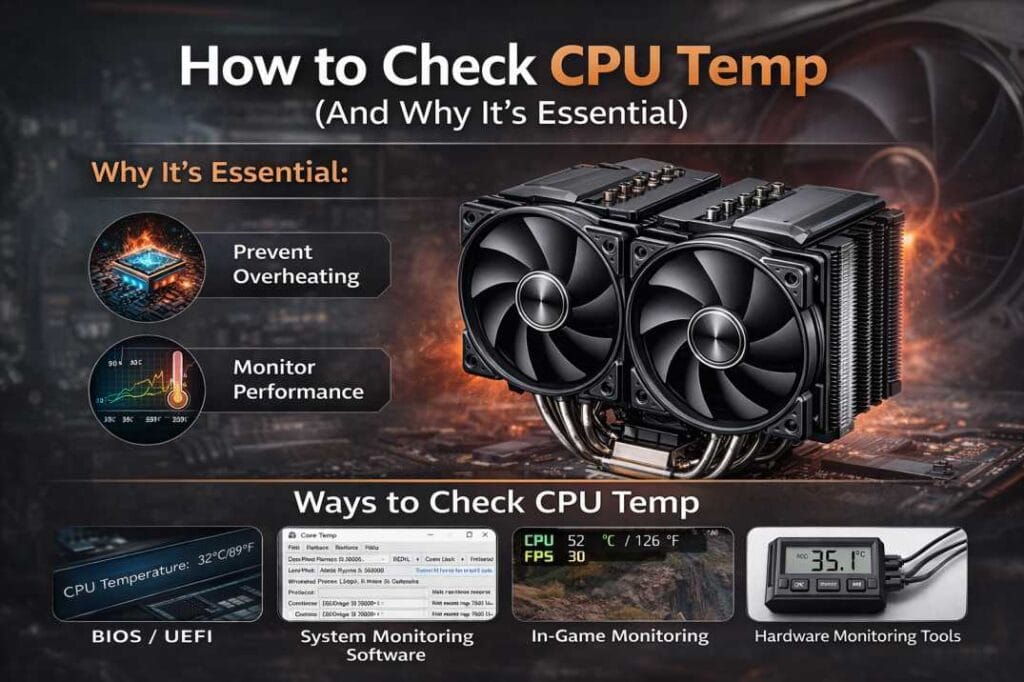
You cannot manage what you cannot measure. How to check CPU temp is the most important secondary skill for any PC builder. I rely on two tools: HWMonitor64 for a simple, real-time readout of current, minimum, and maximum temperatures, and Cinebench R23 to create a consistent, repeatable thermal load. During a Cinebench multi-core run, a modern CPU should typically stay under 85°C with a decent cooler. Idle temps are less important; focus on peak loads. If you see thermal throttling (where clock speeds drop to reduce heat) in HWMonitor, your CPU cooler is inadequate.
Compatibility: The Silent Killer of Upgrades
This is where most buyers err. You must check four things:
- CPU Socket: Obvious, but verify.
- Case Clearance: Measure the height for air coolers and radiator/fan thickness for AIOs. Don’t trust listed specs alone; account for motherboard standoffs.
- RAM Clearance: Large air coolers often overhang the DIMM slots. You’ll need low-profile RAM.
- Power Delivery Heatsinks: High-end motherboards have chunky VRM heatsinks that can conflict with cooler mounting brackets or the cooler itself.
The Honest Pros & Cons of Modern Cooling
Air Coolers (e.g., Thermalright Peerless Assassin, Noctua NH-D15)
- Pros: Incredibly reliable (no moving parts beyond fans), excellent price-to-performance, no risk of leakage, typically easier to install.
- Cons: Can be bulky, blocking RAM and PCIe slots. High-end models are very heavy (a concern for shipping PCs). Can struggle with the absolute highest heat loads (300W+).
AIO Liquid Coolers (e.g., Arctic Liquid Freezer III, NZXT Kraken)
- Pros: Efficient at moving heat away from the CPU socket, freeing up case airflow. Often better for tight spatial constraints around the socket. Top-tier models lead in extreme cooling.
- Cons: Pump noise is a distinct failure point. Risk of permeation (fluid loss over 3-5 years) and, remotely, leakage. More expensive overall.
Final Buying Advice: Cut Through the Marketing
For the vast majority of users, a high-quality dual-tower air cooler is the correct choice. It’s the “set it and forget it” component. Buy an AIO if: 1) Your case has exceptional front/roof radiator mounting, 2) You are using an Intel Core i9 or AMD Ryzen 9 chip for sustained production workloads, or 3) You simply prefer the aesthetic.
Avoid “gaming” branded coolers that prioritize RGB over radiator/fan quality. Brands like Arctic, Thermalright, and Deepcool are consistently delivering staggering performance for the money, often outclassing more expensive, marketing-heavy rivals. Your goal is not the lowest possible temperature, but a temperature that allows your CPU to maintain its boost clocks indefinitely, silently and reliably.
FAQs: Your CPU Cooler Questions, Honestly Answered
Q: How often should I replace my CPU cooler?
A: For air coolers, almost never. You may replace the fans after 5+ years if they get noisy. For AIO liquid coolers, plan for a 5-7 year lifespan due to fluid permeation and pump wear.
Q: Is liquid cooling safer than it used to be?
A: Yes, modern AIOs are sealed units and very reliable. The risk of catastrophic leakage is exceedingly low, but it is a non-zero risk that doesn’t exist with air cooling.
Q: Can a CPU cooler be too powerful?
A: No, but it can be unnecessarily expensive and large. A cooler rated for 200W on a 65W CPU is overkill, but it will run silently.
Q: Do I need to reapply thermal paste when reinstalling a cooler?
A: Always. Any time the cooler is separated from the CPU, you must clean off the old paste with isopropyl alcohol and apply a fresh, pea-sized dot.
Q: My CPU is running hot. Should I immediately buy a new cooler?
A: Not necessarily. First, check your CPU temp under load with HWMonitor. Then, ensure your case has adequate airflow (clean dust filters!) and that your cooler is mounted properly with fresh thermal paste. Often, the fix is simpler than a new purchase.
Q: Are stock coolers good enough?
A: For basic use on non-X, non-K series CPUs, they are adequate. For any gaming, editing, or sustained workload, they are loudly insufficient and will cause thermal throttling. An aftermarket CPU cooler is a mandatory first upgrade.
Author Name: Alex
Author Title: Senior Technology Analyst & Product Reviewer
Author Bio (short):
Alex is a senior technology analyst with over a decade of experience reviewing consumer electronics and evaluating real-world product performance. His work focuses on helping readers make practical, informed buying decisions based on long-term usability rather than marketing claims.